OBSFREE
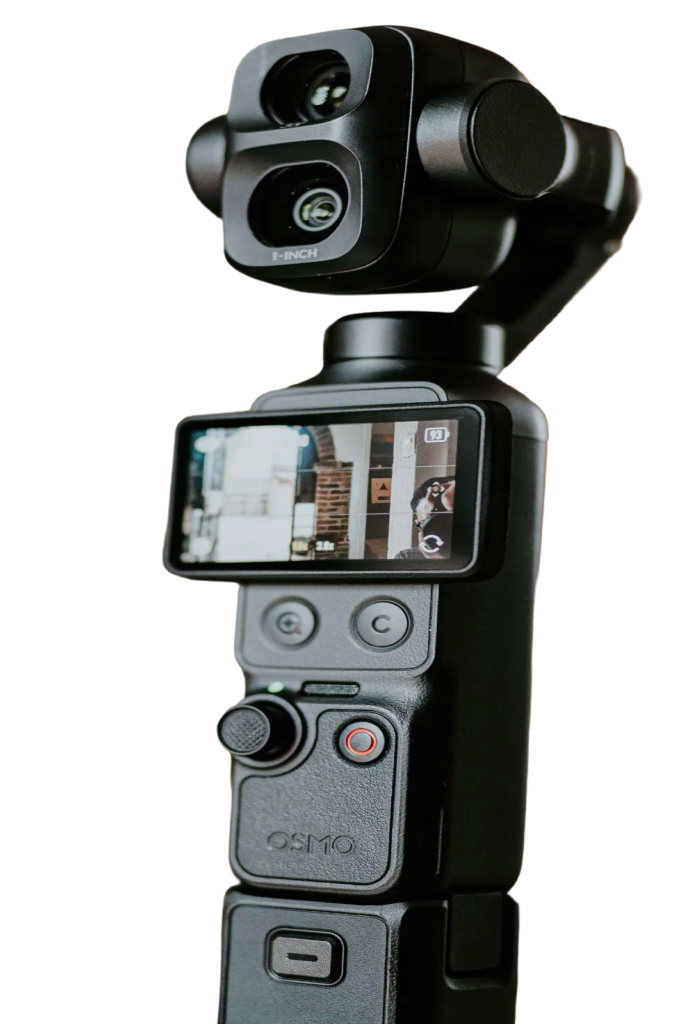
OBS gets a great camera, and you keep the controls. Add the Pocket as a video source in OBS, then use Pocket+ next to it to aim the gimbal, zoom, track your face or jump between camera angles while you stream or record.
Set it up
- Connect the Pocket over USB-C and choose Webcam on the camera.
- In OBS, add a Video Capture Device and pick the Pocket (for example OsmoPocket3). For sound, add the Pocket's audio device.
- Open Pocket+. Both apps use the camera at the same time, and Pocket+ keeps its own preview running.
What shows up in OBS
OBS gets the camera's own picture and sound. Everything that physically moves the camera reaches it: joystick moves, face tracking, auto framing, scenes and the camera's zoom. Things Pocket+ does in software stay in Pocket+: LUTs, lens correction, guides and the cropped vertical picture. Colors can also look a little paler than in the Pocket+ preview.
Good to know
- Pocket+ isn't a virtual camera. Pick the Pocket itself in OBS, not Pocket+.
- The camera sends one format at a time. If OBS asks for 1080p, Pocket+ gets 1080p too.
- Shortcuts like ⌘T or ⌥1 work while Pocket+ is the active app. Keep its window visible next to OBS; it stays on top by default.
Using the Pocket in OBS doesn't need Pro. Each Pocket+ feature keeps its own Free or Pro status.