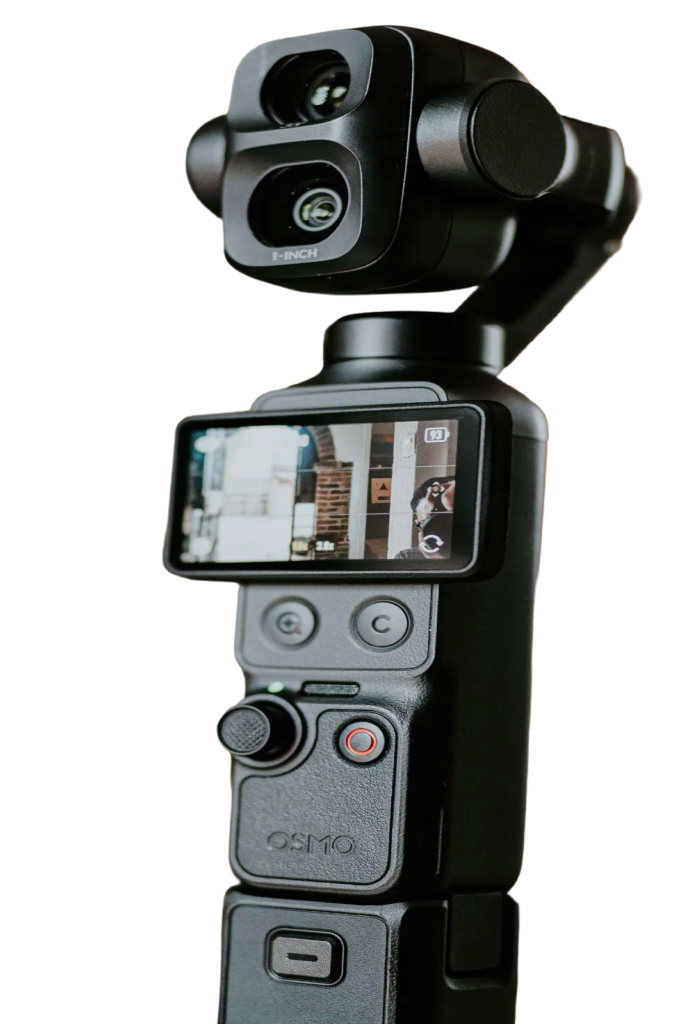
Face TrackingFREE
In webcam mode the Pocket sits still. Face tracking changes that: Pocket+ finds your face and turns the gimbal so you stay in the shot when you lean back, stand up or move across the desk. The camera really moves, so the picture stays sharp instead of being cropped.
Start it in one click
Click the face tracking button next to the record button or press ⌘T. A yellow frame follows your face. To track someone else, double-click their face in the preview. Double-click another face to switch, or the tracked face again to stop.
Steady, not jumpy
A small dead zone ignores tiny movements, so you're not chased around for every nod. Pocket+ also keeps your framing: it holds the top of your head at the same height instead of pushing your face to the middle, so the headroom you set stays the same. It doesn't change the zoom.
Take over any time. Moving the camera with the joystick pauses tracking, and it picks up again two seconds after you let go. Jumping to a scene, centering or flipping the camera turns it off. If your face leaves the picture, the gimbal stops where it is and waits.
Private by design
Face detection runs on your Mac with Apple's Vision framework. Nothing is uploaded, no faces are stored and nobody is recognized. If the Pocket's own ActiveTrack is on, Pocket+ stops within a second or two and asks you to turn it off on the camera, then you can resume.
Face tracking is free. For a one-time framed shot that stays still, see auto framing, or read the full guide: face tracking with the Pocket 3 on a Mac.