Lens CorrectionPRO
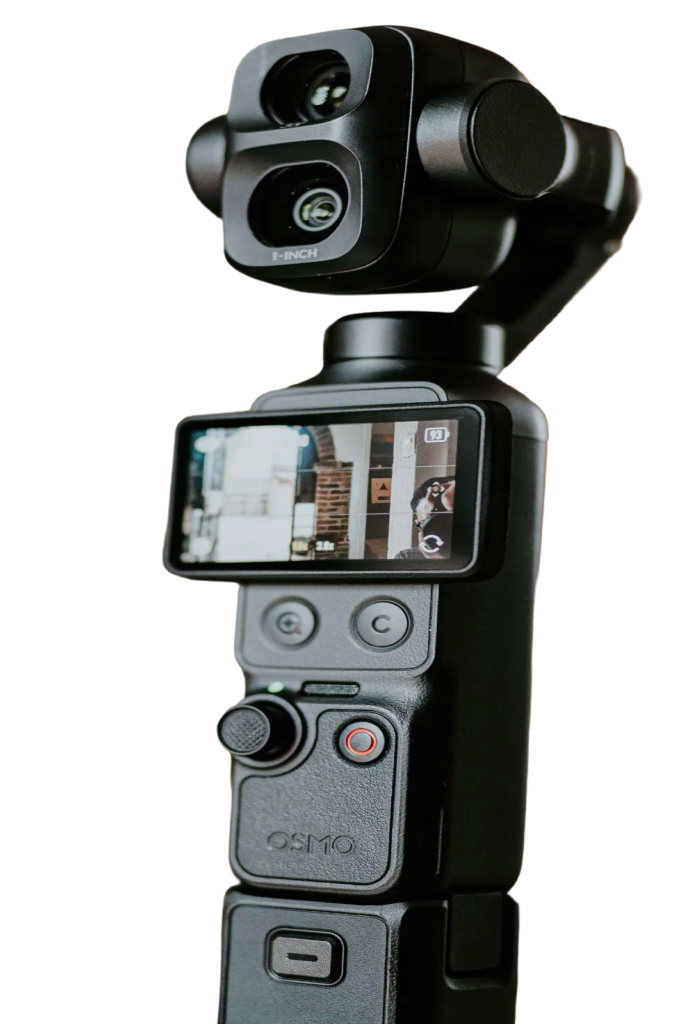
The DJI wide-angle lens fits more of your room in the shot, but it bends straight lines near the edges. Lens correction straightens them out, live, so shelves and door frames look straight again.
On with one click
Click the Wide Angle chip above the zoom control. Turn on Wide Angle Lens Correction and set the Strength slider to taste. The default suits the DJI wide-angle lens on a Pocket 3. Turning it on or off fades over a moment, so you can see the difference.
Natural edges
Full correction would stretch people standing at the edge of the picture. Pocket+ eases off near the edges, so the room looks straight and people still look like themselves. The picture zooms in slightly, and there are no black corners.
In your recordings too
The correction applies to the preview, your recordings and your photos. Turn it off when the wide-angle lens isn't attached. Other apps such as OBS, Zoom or Google Meet read the camera directly, so they show the uncorrected picture.
Lens correction is part of Pocket+ Pro. It was tuned and tested with the DJI wide-angle lens on a Pocket 3.