Switch OrientationPRO
Reels, TikTok and Shorts want vertical video. Pocket+ records 9:16 straight from the Pocket on your Mac, in two ways, so you can choose between a wider view and a sharper close-up.
True vertical
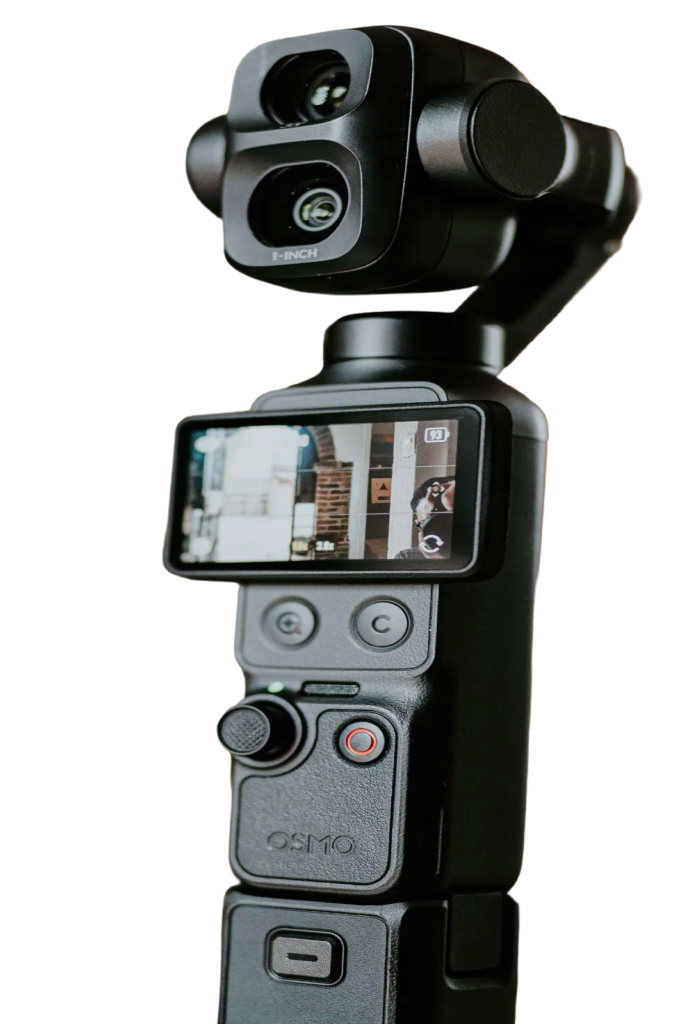
Turn the Pocket upright and Pocket+ switches to vertical by itself, using the camera's own 1080×1920 mode for a wide vertical view. Lay it flat again and it goes back to landscape.
Cropped from 4K
Keep the Pocket horizontal and Pocket+ cuts the 9:16 area out of the 4K picture and records it at 1080×1920. It's a closer shot, but sharp. Pocket+ suggests turning the Pocket upright for a wider view, and you can keep the crop if you prefer.
Switch any time
Use the Landscape 16:9 and Vertical 9:16 buttons at the top of the preview, or press ⇧⌘V. Landscape and vertical keep their own scenes and last position. Auto framing uses a closer talking-head framing in vertical. Vertical runs at up to 30 fps; the camera doesn't offer vertical 4K over USB. Orientation can't change during a recording.
Vertical video is part of Pocket+ Pro. The 9:16 guide helps you frame before you switch. The cropped vertical picture is made in Pocket+, so OBS, Zoom and Google Meet don't get it.