Framing GuidesFREE
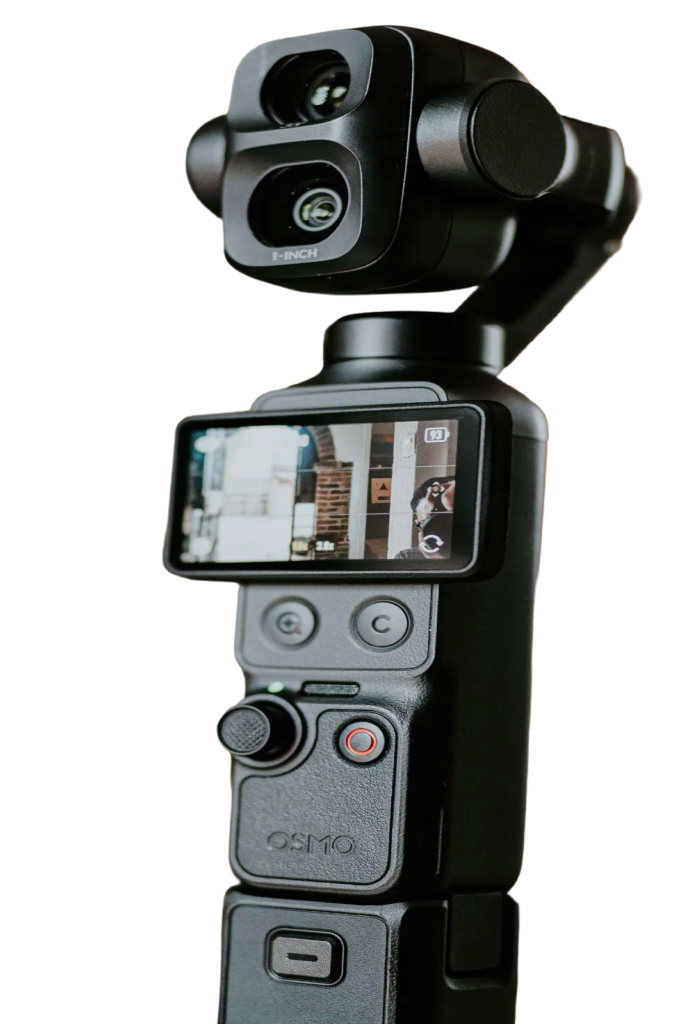
Good framing is easier with a few lines on screen. Pocket+ can show a rule-of-thirds grid, a horizon line and the 9:16 area of a vertical video over the preview, and none of it ends up in your recordings.
Pick what you need
Open the Guides chip at the bottom left and choose any mix of:
- Grid: a rule-of-thirds grid to place your eyes and the subject.
- Horizon: a line through the middle of the picture with a center mark, to keep the shot level and centered.
- 9:16: darkens everything outside the vertical area, so you can see what a Reel or Short will show.
Pocket+ remembers your choice for next time.
Only in the preview
Guides are drawn in the Pocket+ preview only. They're not recorded, not in your photos and not visible in OBS, Zoom or Google Meet. The horizon guide is a fixed line to line things up against. It doesn't measure the camera's tilt.
The grid and horizon guides are free. The 9:16 guide is part of Pocket+ Pro, together with vertical video.