Auto FramingPRO
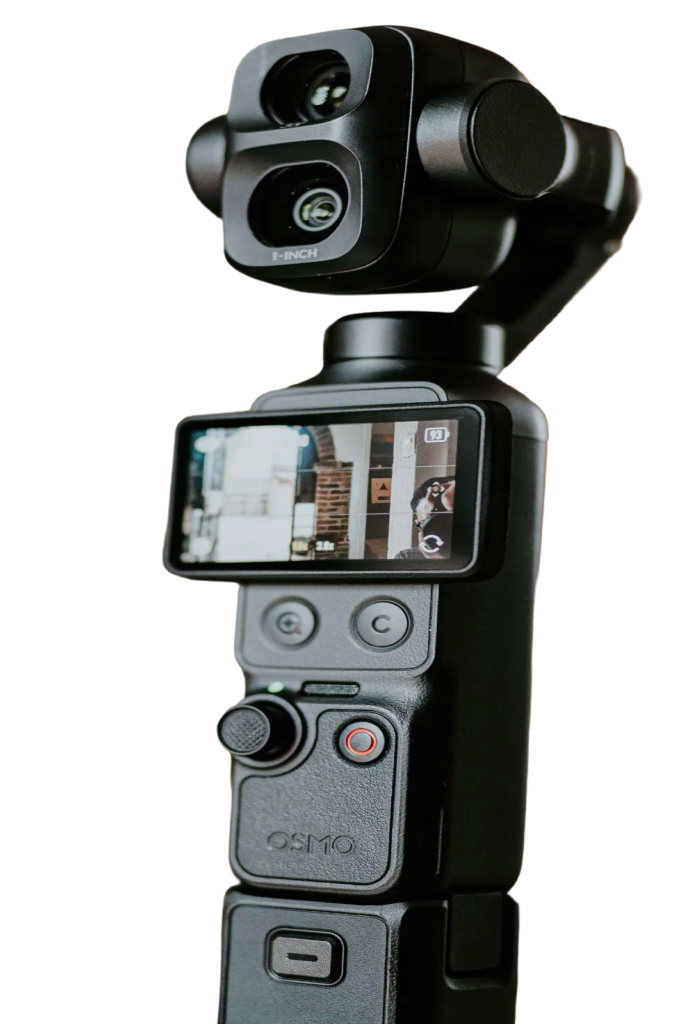
Auto framing sets up a good shot for you. Click once and Pocket+ turns the gimbal and zooms the camera until your face sits at a natural size with proper headroom. It takes about a second, then the camera stays where it is, so nothing moves around while you talk.
One click, then it leaves the camera alone
Click the Auto frame button under the joystick or press ⌘⇧T. While it works the button says it's framing, and you can click it again to cancel. When it's done, the same shortcut reframes. Pocket+ finds faces with Apple's Vision framework on your Mac and moves the real gimbal and the camera's own zoom, so the picture isn't cropped.
If nobody is in view, it gives up after a few seconds instead of searching around. Moving the camera yourself, jumping to a scene, centering or flipping the camera all end auto framing, because you've picked a new shot.
Works for groups too
With several people in the shot, Pocket+ frames everyone whose face is at least about half the size of the closest face. People far in the background don't count, so a passer-by won't pull the camera away. The group is centered and zoomed out until it fits.
Landscape or vertical
In vertical 9:16 mode, auto framing uses a closer talking-head shot that suits Reels and Shorts. Want the camera to keep following you instead of setting one shot? That's face tracking, which is free.
Auto framing is part of Pocket+ Pro. If the Pocket's own ActiveTrack is on, the two would fight over the gimbal, so Pocket+ stops and asks you to turn ActiveTrack off on the camera.