Return Last PositionPRO
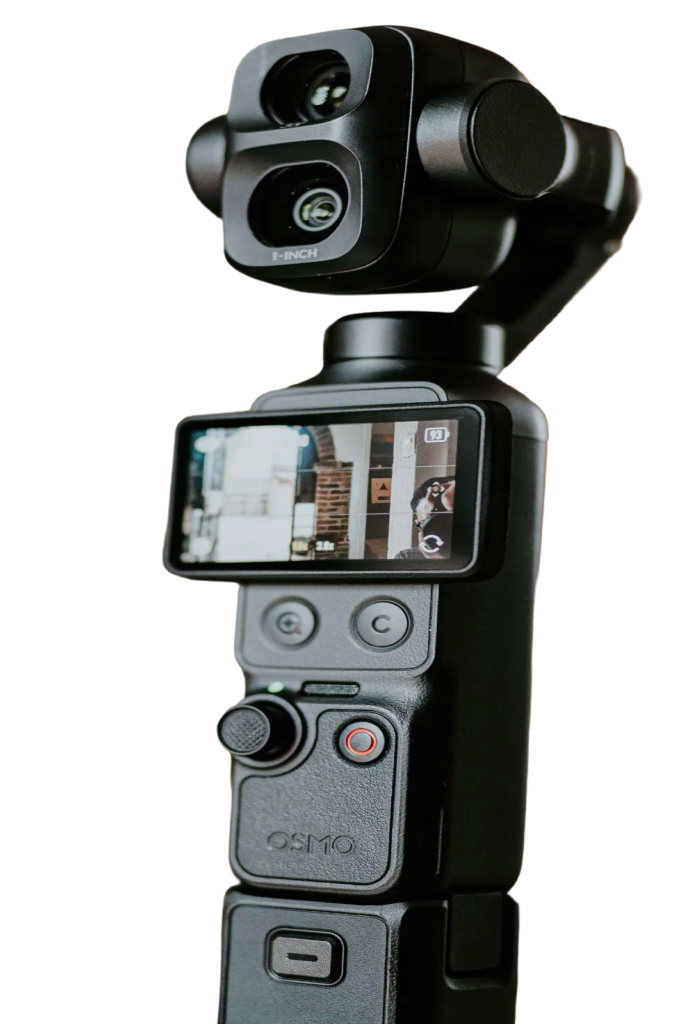
The Pocket centers itself every time it starts. That's annoying when you've set up the perfect angle. Pocket+ remembers where the camera pointed and how far it was zoomed, and puts it back as soon as the camera reconnects.
Automatic
There's nothing to turn on. Turn the Pocket off and on, replug the cable or restart Pocket+, and the gimbal and zoom return to your last shot. A short note at the top of the preview says it's returning, then that you're back.
Pocket+ first waits for the camera's own startup movement to finish, then moves straight to your shot. If you start moving the camera yourself in the meantime, it leaves it to you.
Start fresh when you want
To forget the saved position, click Reset camera in the title bar. The camera centers at 1× and starts from scratch. Landscape and vertical each remember their own last position.
Return to last position is part of Pocket+ Pro. Your position is saved on the Mac even before you upgrade, so it works right away. Resolution, frame rate and codec are remembered in the free version too.