Gimbal ControlFREE
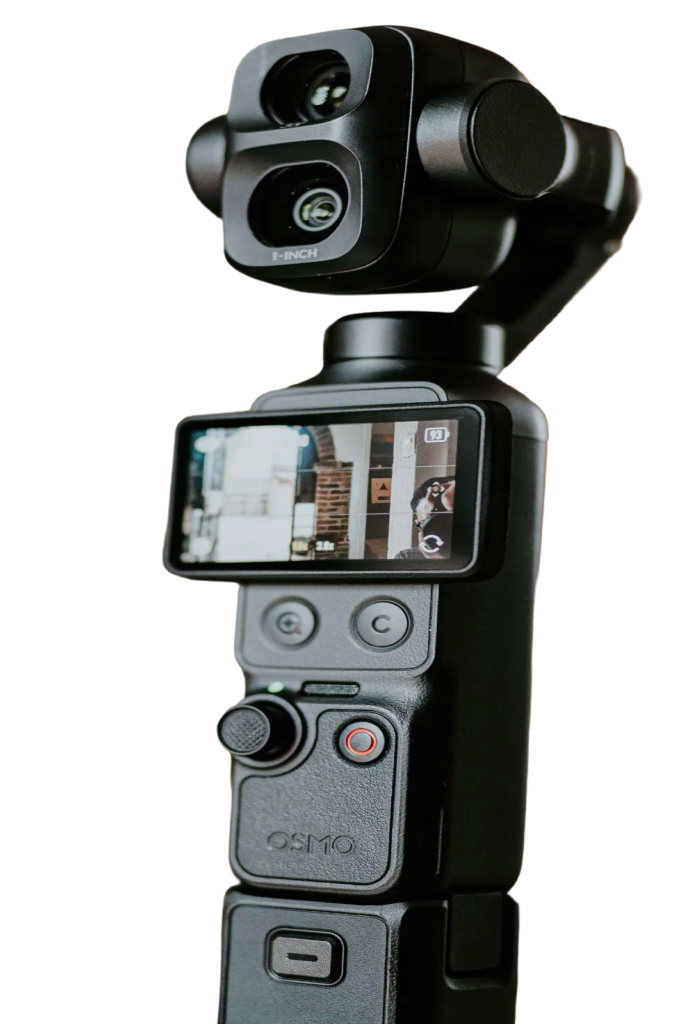
Plug the Pocket into a Mac and macOS gives you a webcam, but no way to move it. Pocket+ adds the controls: aim the gimbal and zoom from the screen or the keyboard, without reaching over to touch the camera.
Joystick, center and flip
Drag the joystick knob at the bottom right for quick moves. Click an arrow for a small 3° step, or hold ⌥ for 1°. Hold an arrow to move slowly. Center levels the camera and points it straight ahead, and Flip turns it to face the screen side or the back. With Smooth motion on, which is the default, moves ease in and out like a camera operator would.
Zoom and shortcuts
Use the − and + buttons, or ⌘+, ⌘− and ⌘0 to go back to 1×. Zoom glides instead of jumping. Nudge the gimbal with ⌥ and the arrow keys. It's the camera's own zoom: on a Pocket 3 up to 4× at 1080p and 2× at 4K. Shortcuts work while Pocket+ is the active app.
Drag the picture to aim
With Pro, grab the picture and pull it: the camera turns so the spot under your cursor follows. Scroll to zoom, or hold ⇧ and scroll to turn left and right. On a trackpad, swipe up and down to zoom and sideways to turn.
Joystick, center, flip and zoom are free. Dragging and scrolling on the picture are part of Pocket+ Pro. Brightness, white balance and the camera's color profile can't be changed over USB, so set those on the Pocket.