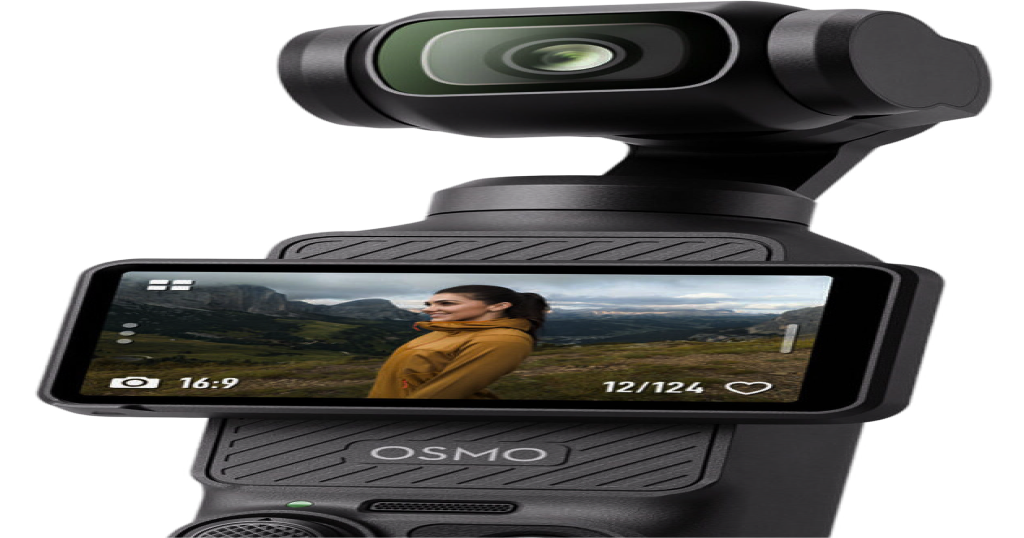
Instagram wants long videos
and live streams: shoot both
with the Osmo Pocket 3
Instagram has been busy courting creators who make longer videos and live streams. If you want to try either, the camera setup matters more than it does for a 15 second Reel: you're on camera for longer, you move around and you can't redo the take. Here's what's been reported, and how to shoot both with a Pocket 3 on a Mac.
What's happening
Two separate things, one on each end of the offer:
- Long-form video. Business Insider reported that Instagram is offering some YouTube creators deals, with amounts said to run from about $50,000 up to $500,000, to post longer videos in a format called Features. Other outlets that covered the story say those videos can run up to 90 minutes and that the deals aren't exclusive. Meta has reportedly confirmed it is funding some of this content. We haven't seen the original article ourselves, so treat the details as reported, not official.
- Live video. Some accounts now see an in-app offer that matches ad spend on live video with the same amount in ad credit over 30 days. Screenshots shared on X from Turkey show a range of ₺2,400 to ₺48,000. The terms and amounts look specific to the country, so check what Instagram shows you.
Neither of these is something Pocket+ is part of. They're just a good reason to think about how you'd shoot longer videos and live shows.
Recording a long video
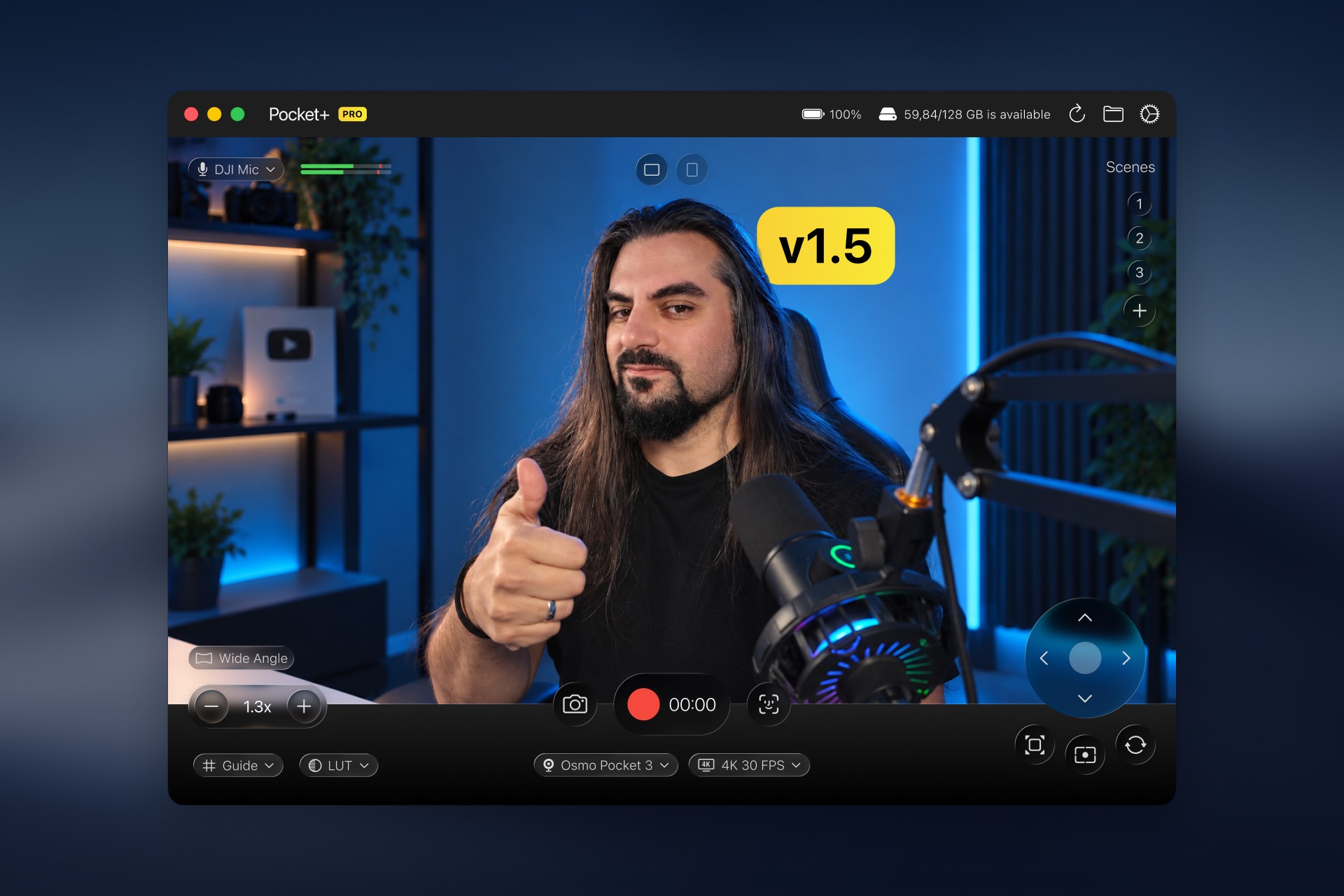
Pocket+ records straight to your Mac, so a long session isn't limited by the camera's card. A few things help once you're filming for an hour instead of a minute:
- Check free space first. Pocket+ shows how much disk space is available and how much recording time that leaves at the current settings.
- Pick the resolution on purpose. 1080p files are much smaller. 4K recording is part of Pro and gives you room to crop in later.
- Let the camera follow you. Face tracking (⌘T, free) keeps you in the shot when you lean back or walk around the desk, so you don't have to stay frozen for an hour.
- Plan your angles. Save a few scenes (⌥1 to ⌥9, Pro), for example you at the desk and the object on the table, and jump between them while you talk. See camera angles and shortcuts.
- Start without rushing. The 3-2-1 countdown gives you time to sit back before recording begins.
Check the format Instagram asks for, such as aspect ratio, before you decide between a landscape and a portrait shot. Pocket+ can record vertical 9:16 (Pro) if that's what you need.
Going live from a Mac
On a computer, the usual way to go live on Instagram with your own camera setup is a streaming app. Instagram offers a desktop tool called Live Producer that gives you a stream URL and a stream key. You paste both into OBS, and OBS sends whatever is in its scene to Instagram. The Pocket is one of the sources in that scene. Instagram sets its own rules for who can go live, for example a minimum follower count, and they change, so check the current requirements first.
- Connect the Pocket over USB-C in Webcam mode (see how to use the Pocket 3 as a Mac webcam).
- In OBS, add a Video Capture Device and pick the Pocket. Add its audio device for sound.
- In OBS, open Settings, Stream, choose a custom service and paste the URL and key from Live Producer.
- Open Pocket+ next to OBS. Both apps use the camera at the same time. The OBS feature page has the details.
- Start the stream in OBS, then go live from Instagram.
Everything that physically moves the camera reaches OBS: face tracking, scenes, joystick moves and the camera's zoom. Software effects such as LUTs and guides stay in Pocket+, and Pocket+ isn't a virtual camera, so always pick the Pocket itself in OBS. We haven't tested Instagram Live end to end, so do a private test stream first.
Before you start
- Camera in Webcam mode and on power for anything long.
- Enough free disk space for the length you plan.
- Pocket+ window visible next to OBS so the shortcuts work.
- A short test, watched on a phone, to check the frame and the sound.
Pocket+ is a free Mac app for the DJI Osmo Pocket 2, 3, 4 and 4P: aim the gimbal, track your face, switch scenes and record to your Mac.
Download Pocket+