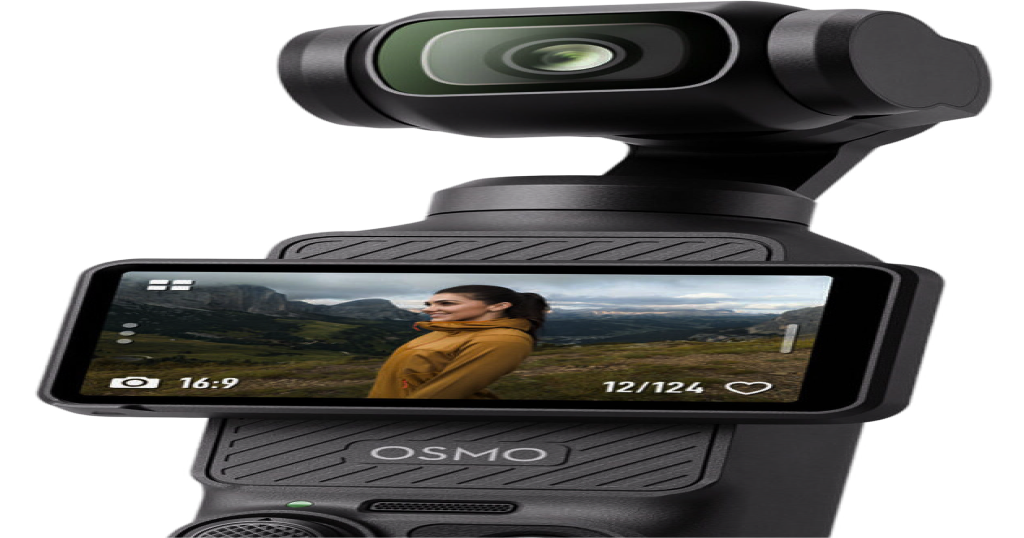
DJI Mimo for Mac?
Mimo, meet Mac
Somewhere, right now, someone is typing "dji mimo for mac" into a search bar, full of hope. We feel for them. Mimo is a great app that lives on phones, and Mac is a great computer that has never met it. Here's a gentle introduction, and what to do while they get to know each other.
First, the word
In Spanish and Portuguese, mimo means a little pampering: taking extra care of something you like. That's a fair description of what a companion app does for a camera. It's also exactly what a lot of Mac owners want for their Pocket: a bit of pampering from the big screen.
The short, unromantic answer is that DJI makes Mimo for iPhone, iPad and Android, and there's no Mac version. We covered the details in Is there a DJI Mimo app for Mac?. This post is the lighter one.
Why they haven't met
- Mimo is a phone person. It talks to the Pocket over Bluetooth and Wi-Fi, which is perfect when you're out shooting.
- Mac is a desk person. It prefers a cable, a big display and a keyboard, and it sees the Pocket as a plain webcam over USB-C.
- They speak different dialects. The Pocket accepts gimbal and zoom commands over USB, but macOS has no buttons for them. Someone has to translate.
"I typed dji mimo for mac because I wanted..."
Almost nobody wants the app itself. They want what it does. Here's the translation:
| What you wanted | On a phone | On a Mac |
|---|---|---|
| A bigger live view | Mimo | Plug in over USB-C, choose Webcam and open Pocket+ |
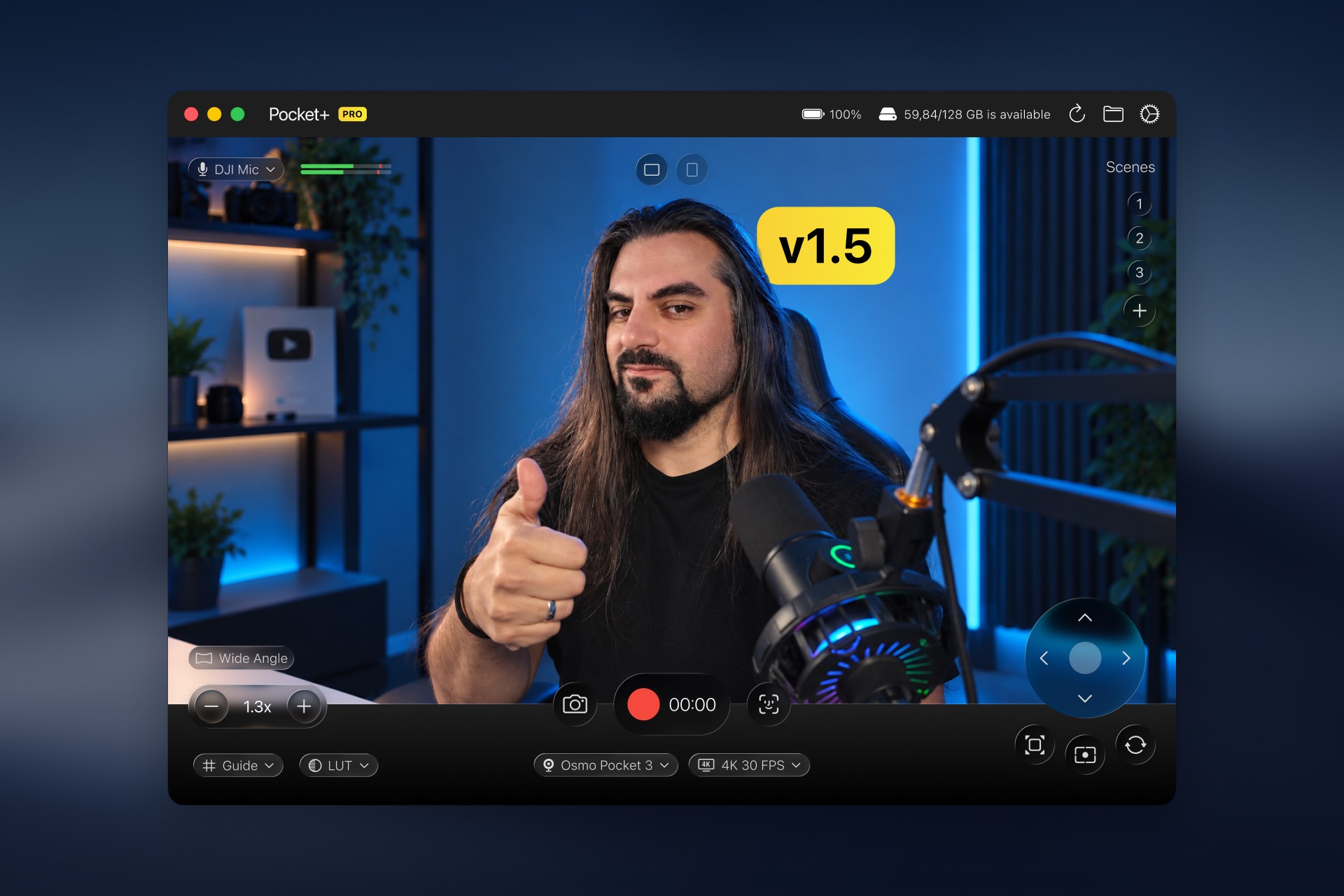
| To steer the gimbal and zoom | Mimo | Pocket+: drag the picture, use the joystick, zoom with keys |
| To use the Pocket as a webcam | Not what Mimo is for | Pick the Pocket in Zoom, Meet, OBS or FaceTime (see the webcam guide) |
| To get footage off the camera | Mimo transfer | A microSD card reader is the simplest way |
| Firmware updates | Mimo | Keep Mimo on your phone for this one |
Notice the last row. We're not trying to replace Mimo. Pocket+ is a Mac app by an independent developer, and it covers the desk, not the whole camera.
Mimo's friends on the Mac side
If you're going to play matchmaker, it helps to know what the Mac side can do once you plug the Pocket in:
- Face tracking that turns the gimbal to follow you, free.
- Scenes: saved camera angles you jump between with a shortcut.
- Recording straight to the Mac, with LUTs and an OBS-friendly setup.
The basics are free, and Pro adds the rest. Nothing here needs a Mimo account.
Quick answers
Is there a DJI Mimo for Mac?
No. DJI makes Mimo for iPhone, iPad and Android only.
Can I control an Osmo Pocket 3 from a Mac anyway?
Yes. Connect it over USB-C in Webcam mode and use an app that sends gimbal and zoom commands, like Pocket+.
So what should I do?
Keep Mimo on your phone, put Pocket+ on your Mac and let the Pocket sit in the middle. Everyone gets along.
Pocket+ is an independent project and isn't affiliated with or endorsed by DJI. DJI, Osmo and DJI Mimo are trademarks of SZ DJI Technology Co., Ltd.
Pocket+ is a free Mac app for the DJI Osmo Pocket 2, 3, 4 and 4P: aim the gimbal, track your face, switch scenes and record to your Mac.
Download Pocket+