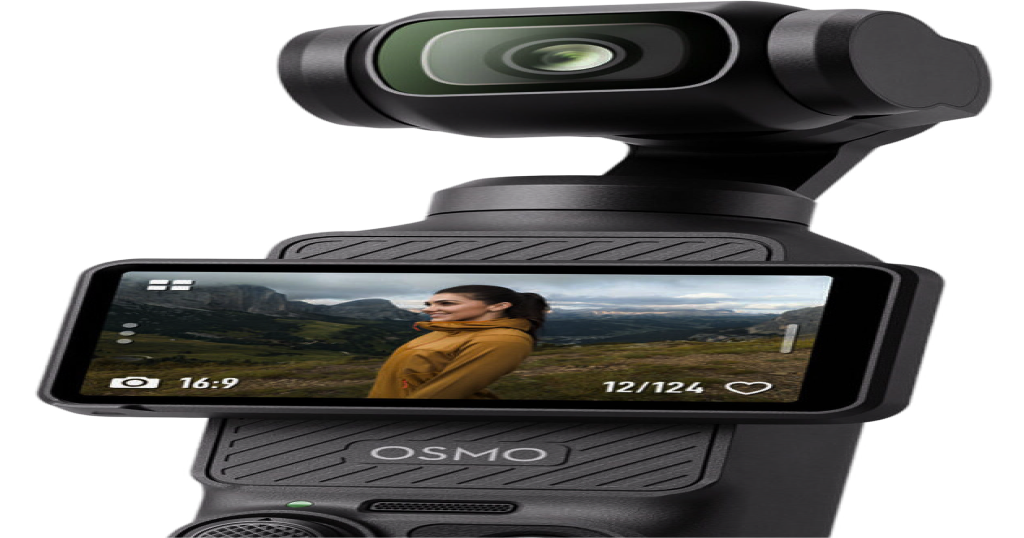
Pocket 3 not showing up
as a webcam on a Mac?
Fixes for no camera and a black screen
You plugged in the Pocket 3 and your Mac doesn't see a camera, or it lists the camera but every app shows a black frame. Both are common, and both usually come down to a handful of causes. Work through these in order: they're sorted from most to least likely.
First, which one is it?
| What you see | Most likely cause | Go to |
|---|---|---|
| No Pocket in any app's camera list | The camera isn't in Webcam mode, or the cable is charge-only | Fixes 1 and 2 |
| Pocket is listed, picture is black | Webcam mode got stuck, or the app asked for a format that doesn't work | Fixes 3 and 4 |
| Picture works, then turns tall and narrow | Another app switched the camera's format | Fix 5 |
Fix 1: choose Webcam on the camera's screen
When you plug the Pocket into a Mac, it asks which USB mode to use. If you skip the question or pick the storage mode, the Mac never sees a camera at all. This is the most common cause by far.
- Make sure the Pocket is switched on and awake.
- Unplug the USB-C cable and plug it back in.
- When the camera asks, choose Webcam.
To check whether your Mac sees it, open Terminal and run system_profiler SPCameraDataType. If the Pocket isn't in that list, the Mac doesn't see it as a camera yet. The problem is the mode or the connection, not the app you're trying to use.
Fix 2: use a cable that carries data
Some USB-C cables only charge, and a charge-only cable won't work. The one in the box carries data.
Fix 3: reset a stuck webcam mode
Sometimes the Pocket's webcam mode gets stuck. The Mac lists the camera, but no frames arrive, and nothing answers when you try to move the gimbal. Do this:
- Unplug the cable.
- Wait a couple of seconds.
- Plug it back in and choose Webcam again.
Fix 4: lower the resolution and frame rate
The Pocket lists more formats over USB than it can actually deliver. On a Pocket 3 we found that 4K and 1080p at 24, 25 and 30 fps work, while 4K at 48, 50 and 60 fps are listed but give no picture, because they need more bandwidth than the connection has. If an app offers a choice and you get black, drop to 30 fps or below. For a call, 1080p at 30 fps is plenty. The full list of working modes is in our webcam guide.
Fix 5: another app is using the camera
Only one format is sent at a time. If you open a second app while the first is still using the Pocket, for example Pocket+ and OBS, or a call app and a recorder, the camera may switch to a default format that looks different. We've seen it fall back to a tall 1080 by 1920 portrait picture at 25 fps, which makes the image look squeezed or leaves black bars. Close the app you aren't using, or set the same resolution in both apps' video settings. If you stream with OBS, our OBS guide covers using both side by side.
If it works but the gimbal doesn't move
That's a separate problem. The gimbal only turns if something sends it pan and tilt commands, and macOS has no controls for that. Also check whether the camera's own subject tracking, ActiveTrack, is switched on. It's set on the camera, and two things steering one gimbal fight each other. Turn it off on the camera if an app is doing the tracking.
Other Pocket models
Everything here comes from a Pocket 3. We haven't tested the other Pocket models, so their behavior may differ.
Where Pocket+ fits
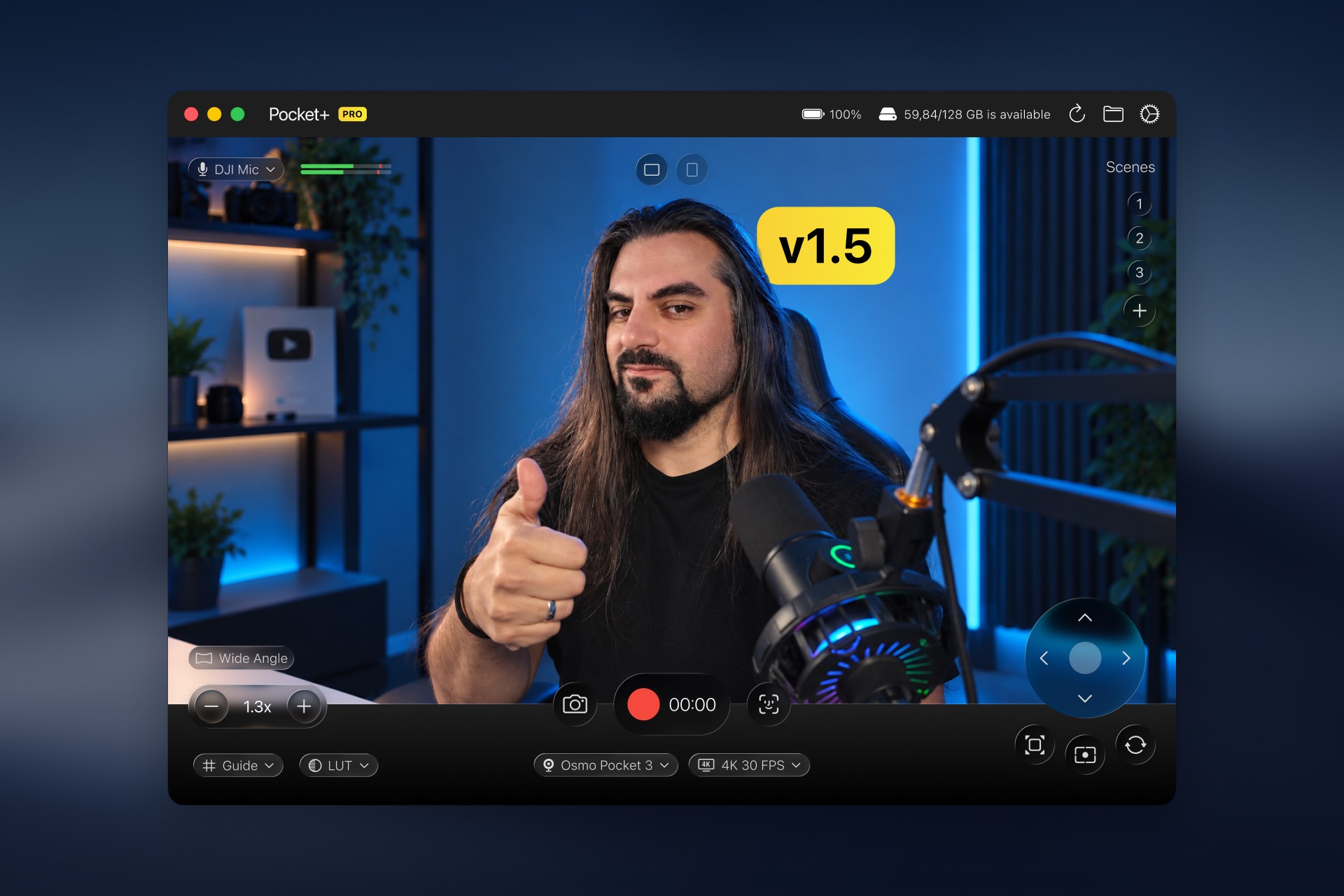
Pocket+ doesn't fix a camera the Mac can't see, but it makes the problem easy to read. If no Pocket is connected, it shows "DJI Osmo Pocket not detected" in the preview, and the picture appears as soon as the camera comes back. Once the camera works, it adds what macOS lacks: aiming, zoom, scenes and face tracking from your Mac. Pocket+ is free to start.
Pocket+ is a free Mac app for the DJI Osmo Pocket 2, 3, 4 and 4P: aim the gimbal, track your face, switch scenes and record to your Mac.
Download Pocket+